Is your local business invisible on Google Maps? You're missing out on the most powerful free marketing tool available. Google Business Profile optimization is the key to turning searches into customers.
What is Google Business Profile Optimization?
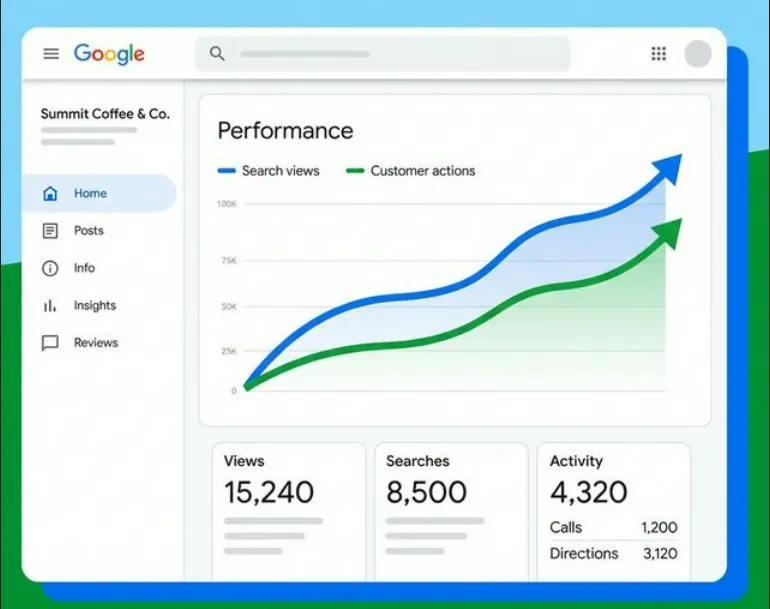
Google Business Profile (formerly Google My Business) optimization is the process of adjusting your listing to rank higher in local search results. It involves more than just filling out your details; it's about signaling relevance and authority to Google's algorithm.
Did You Know?
How to Optimize Your Google Business Profile in 12 Steps
Follow this checklist to transform your listing from basic to best-in-class.
1. Claim and Verify Your Ownership
You can't optimize what you don't own. Search for your business on Google Maps. If you see "Claim this business," click it immediately. Verification usually involves a postcard, phone call, or video verification.
2. Complete Every Single Section
Google favors completeness. Ensure your NAP (Name, Address, Phone) data is identical across the web. Fill out your hours, website URL, appointment links, and opening date.
3. Choose the Perfect Primary Category
Your primary category has the biggest impact on rankings. Be specific. Instead of just "Restaurant," choose "Italian Restaurant" or "Pizza Delivery." You can add secondary categories later to cover other services.
4. Write a Keyword-Rich Description
You have 750 characters to sell your business. Use the first 250 characters for the most vital information and keywords like "plumber in [City]" or "best coffee shop." Write for humans, but keep Google's bots in mind.
5. Upload High-Quality Photos and Videos
Listings with photos receive 42% more requests for directions. Upload your logo, cover photo, and shots of your interior, team, and happy customers. Pro tip: Rename your image files with keywords (e.g., `downtown-chicago-bakery.jpg`) before uploading.
6. Get More Google Reviews (and Respond to Them!)
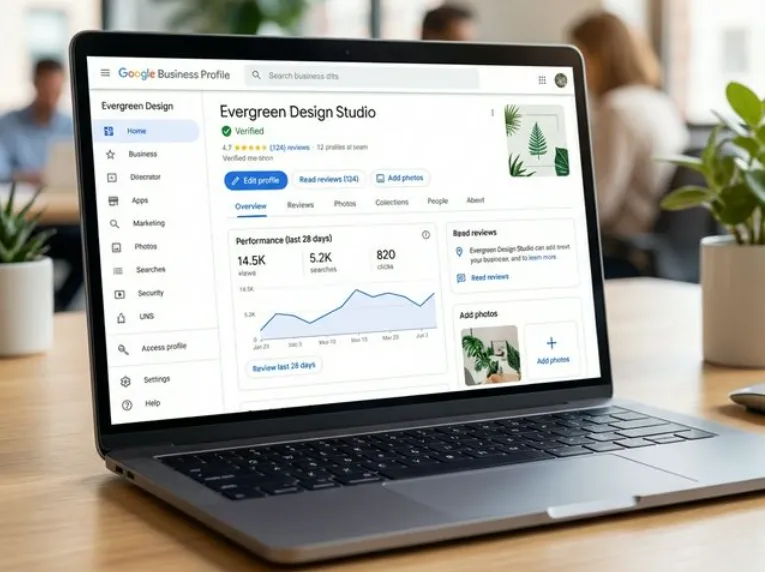
Reviews are a major ranking factor. Create a system to ask happy customers for feedback. Respond to every review—positive or negative. It shows you care and builds trust with future customers.
Review Strategy
7. Utilize Google Posts
Treat your profile like a social media feed. Post updates, offers, and events weekly. Posts expire after 6 months (unless they are date-specific), so keep the content fresh to show Google you are active.
8. Set Up Q&A
Don't wait for customers to ask. Populate the Q&A section yourself with common FAQs. "Do you have parking?" "Yes, we have a free lot." This provides immediate answers and adds content to your profile.
9. Add Attributes
Attributes highlight unique features like "Women-led," "Wheelchair accessible," or "Free Wi-Fi." These tags help you show up in specific filtered searches.
10. Showcase Products and Services
If you sell products, use the Product Editor to create a catalog with photos and prices. Service businesses should list their offerings with descriptions to help Google understand exactly what you do.
11. Enable Messaging
Turn on the "Chat" feature to let customers message you directly from search results. Response time matters, so ensure you have notifications enabled on your phone.
12. Monitor Insights
Use the Performance tab to see how customers found you (Direct vs. Discovery searches) and what actions they took. Use this data to refine your strategy over time.
Ready to Dominate Local Search?
Don't leave your rankings to chance. Our tools help you manage listings, generate reviews, and track performance all in one place.
Get Started Today